
- How to get Diya.Signature through the Diya app?
- How to sign a document using Action.Signature
- How to get a CEP from the PrivatBank ACSC?
- How to sign a file using a digital signature?
- How to view the contents of a signed file? How to download the signature verification report?
- How do I add a second digital signature to a file?
How to get Diya.Signature through the Diya app?
How to sign a document using Action.Signature
How to get a CEP from the PrivatBank ACSC?
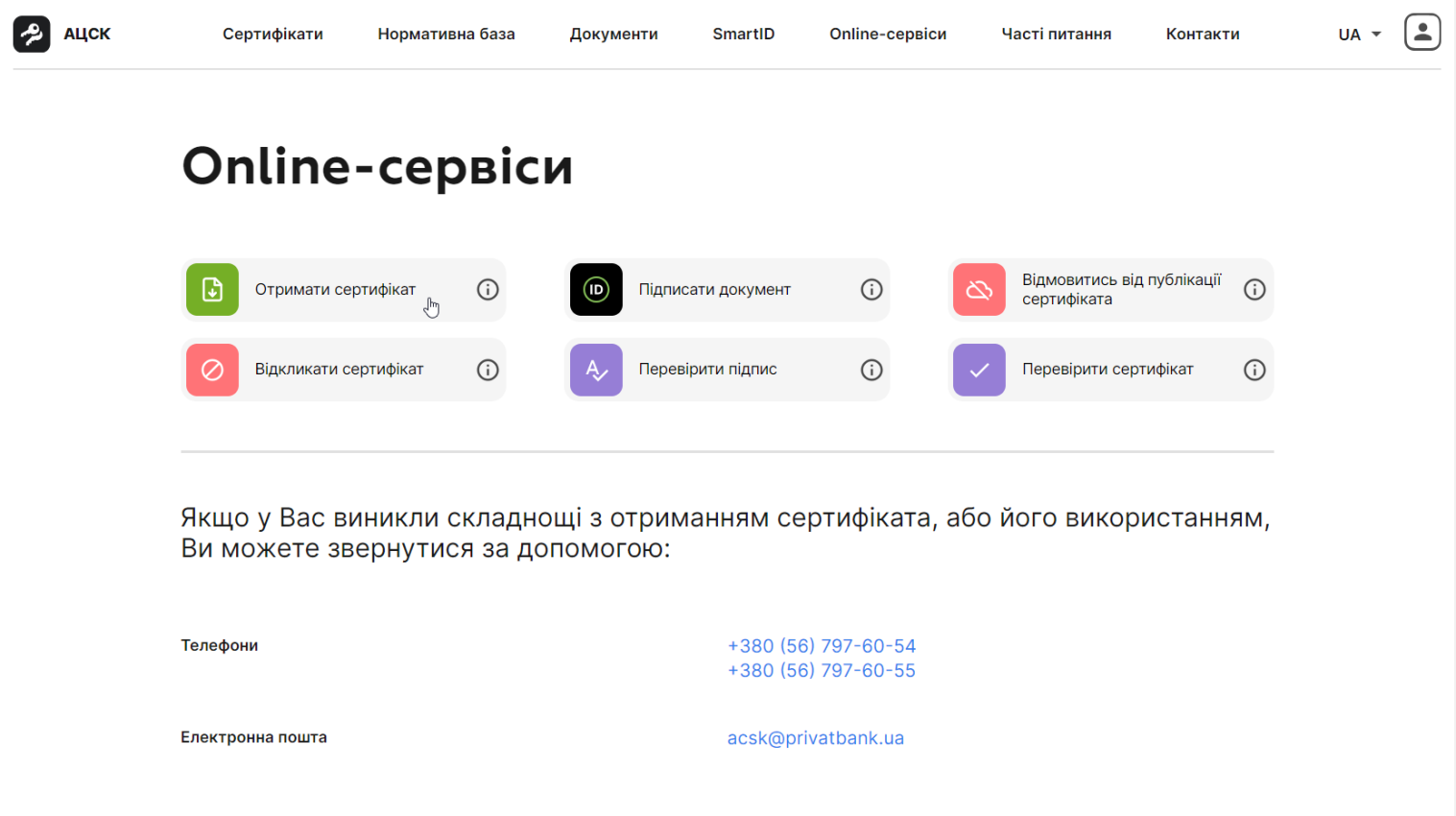
Step 1
Select the item “Get a certificate“
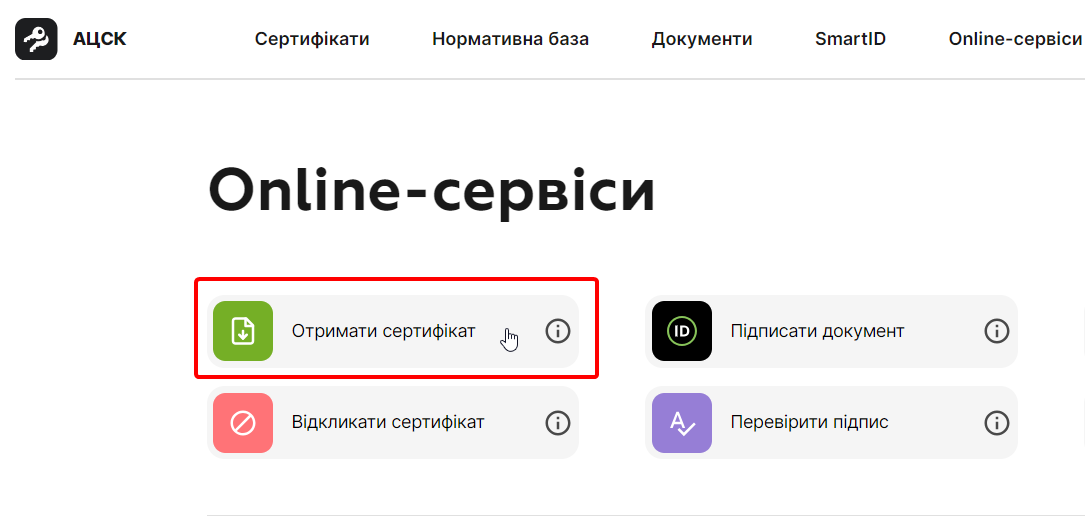
Step 2
Log in via the Privat24 app
If you are from computer, scan the QR code in the Privat24 application on your smartphone.
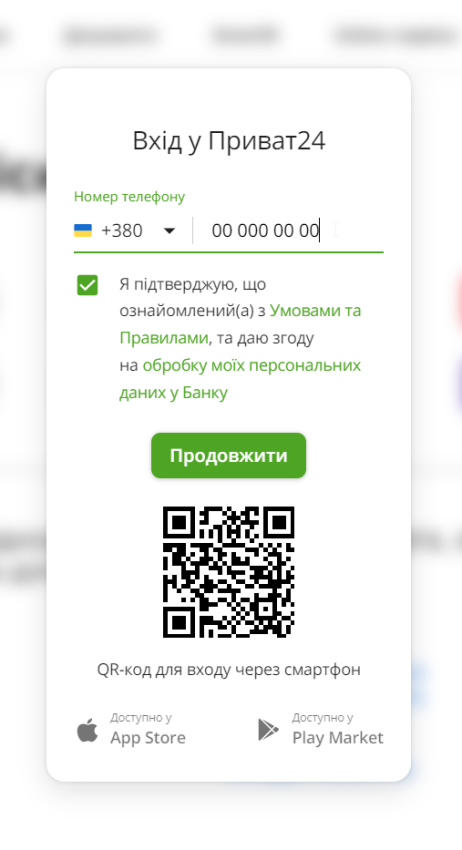
If you are from smartphone, click to log in via Privat24.

Step 3
Check your data, if everything is fine, click “Yes, the data is correct.“
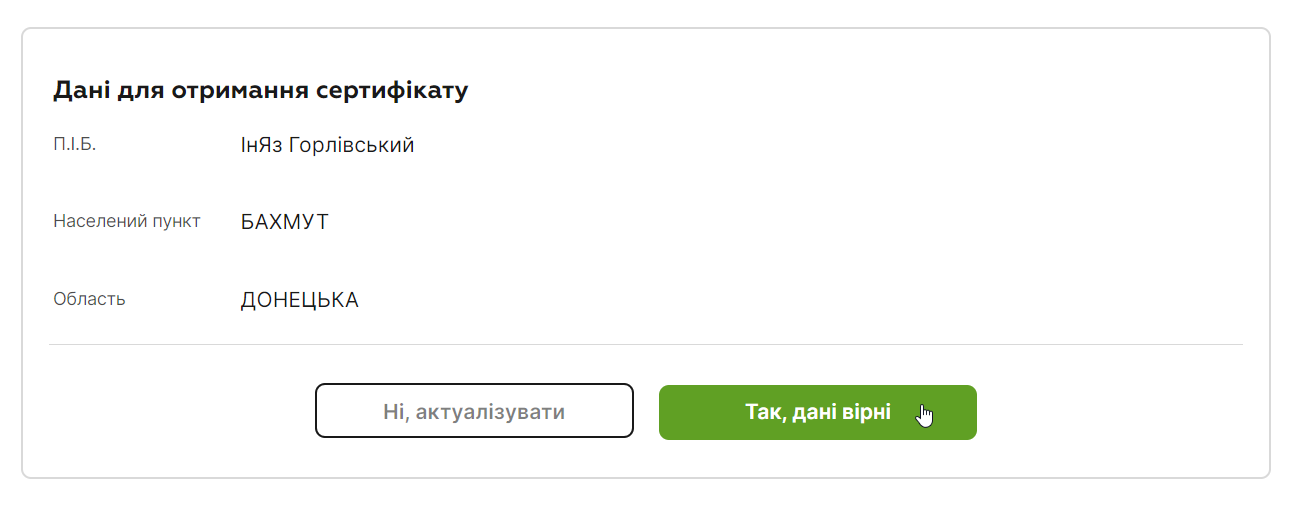
Step 4
Come up with a password for your signature, enter it twice in the required fields, and click “Next>“.

Step 5
The ACSC will request confirmation from you via the Privat24 application.

Go to the Privat24 application, and in the “Notification” confirm the creation of the CEP
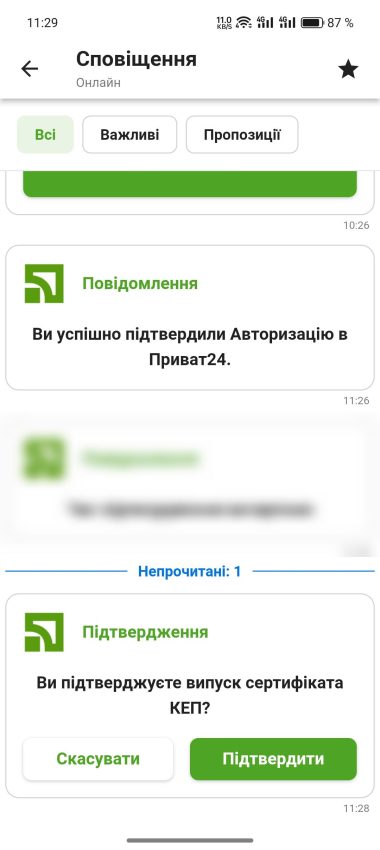
Step 6
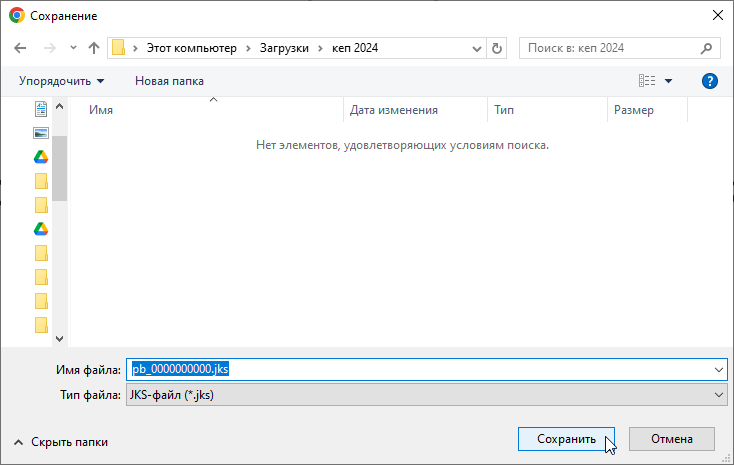
The ACSC will prompt you to save the KEP file to your device, or save the file to the default downloads folder.
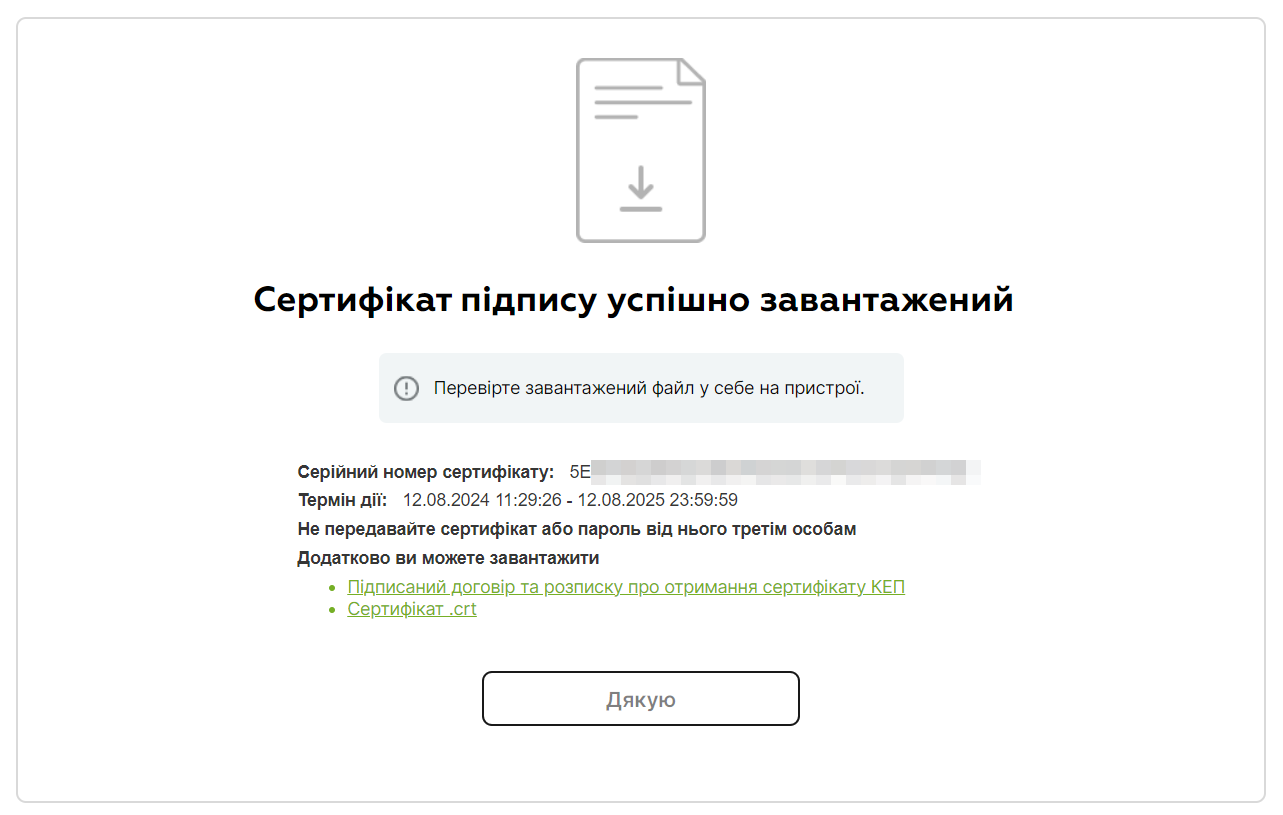
Congratulations! Your CEP is created!
How to sign a file using a digital signature?
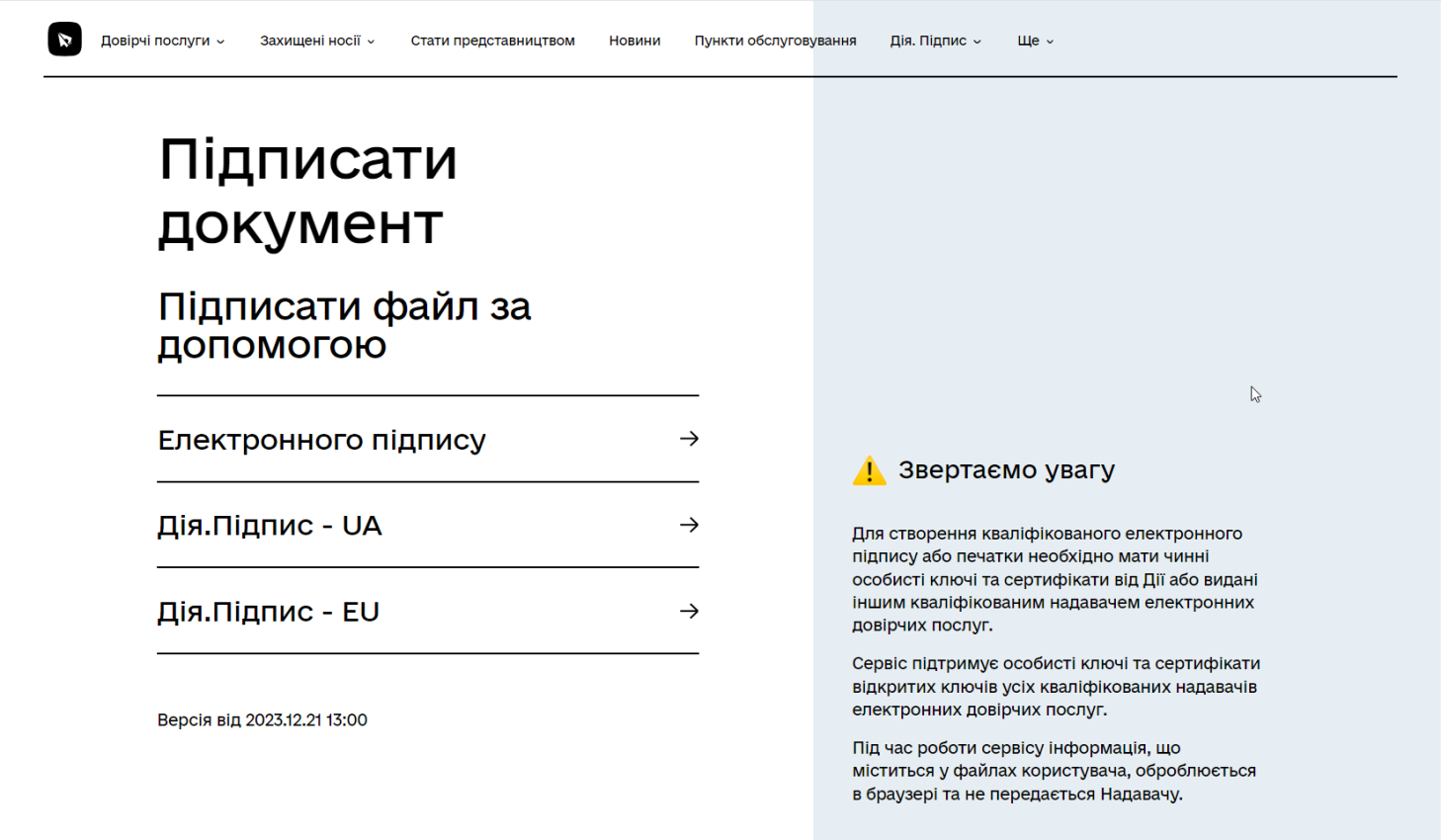
Step 1
- Select the item “Sign a file using” -> “Electronic signature“
- Download signature file in format .jks from a computer disk, use the employee's UEP obtained from “Privat24 for Business”
- Enter password to the signature
- Click “Read”
Step 2-3
Step 2 – confirm the correctness of the data by clicking "Further"
Step 3 – Discard the default signature settings by clicking “No, choose another format”
Step 4
- Choose a file format .p7s
- Upload file for signature
- Click "Sign"
Step 5
Download file with signature in format .p7s , to yourself on the computer
How to view the contents of a signed file?
How to download the signature verification report?
- Follow the link https://ca.diia.gov.ua/verify
- Download file with signature in format .p7s from a computer disk
- Download unsigned file or inspection report to yourself on the computer
How do I add a second digital signature to a file?
Step 1
- Select the item “Sign a file using” -> “Electronic signature“
- Download signature file in format .jks from a computer disk use the employee's UEP obtained from “Privat24 for Business”
- Enter password to the signature
- Click “Read”
Step 2-3
Step 2 – confirm the correctness of the data by clicking "Further"
Step 3 – Discard the default signature settings by clicking “No, choose another format”
Step 4
- Choose a file format .p7s
- Upload a file that has already been signed for signature, it must have the extension “.p7s”
- Click "Sign"
Step 5
Download file with signature, to yourself on the computer
The file name must have an extension at the end. .p7s.p7s since this file already has 2 signatures
